10 Tips for Choosing Vending Machine Support

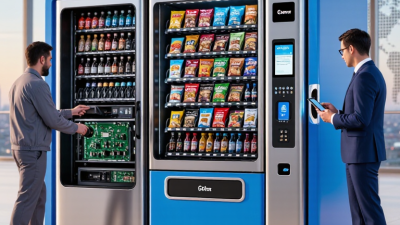
Choosing dependable vending machine support can mean the difference between a quick repair and a machine that sits idle through a busy lunch rush. The right provider does more than answer calls. They diagnose faults clearly, arrive with suitable parts, and explain what caused the problem. A reader can compare response times, technician training, maintenance options, parts availability, and service coverage before signing an agreement. Small details matter: a technician who checks the payment reader, tests the cooling system, and leaves a clear service report gives operators something concrete to evaluate.

For this guide, fictional vending service specialist Jordan Lee offers an illustrative line, not a quotation from a real, independently verified expert: “Good support keeps the machine working—and keeps the operator informed.” That distinction matters. A polished promise is not proof. Ask providers for references, written service terms, and examples of how they handle repeat faults. Check whether support covers your specific machine models and locations. A low monthly fee may look attractive, but unclear call-out charges can change the real cost. Even a strong provider can miss a visit; the useful question is how they communicate and make it right. This guide’s ten tips will help you assess those practical details, spot gaps before they become expensive, and choose support that fits your operation—not just the sales pitch.
10 Tips for Choosing Vending Machine Support

Assess Service Needs in a $26.6 Billion U.S. Convenience-Services Market (NAMA)

10 Tips for Choosing Vending Machine Support

Assess Service Needs in a $26.6 Billion U.S. Convenience-Services Market (NAMA)

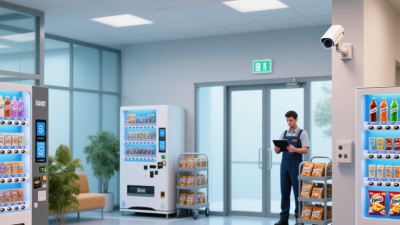
NAMA values the U.S. convenience-services market at $26.6 billion, a scale that makes dependable support a practical business concern. For an operator, one machine sitting idle can mean missed sales and a frustrating wait for customers. Start by listing the machines you run, their locations, operating hours, and common faults. A lobby machine and one in a busy break room may need different response plans.

Ask providers how they handle urgent repairs, routine maintenance, and replacement parts. Request clear service windows, escalation contacts, and examples of how they track open tickets. Small details matter. If a payment reader fails at 7 a.m., will anyone answer before the first shift begins? Check whether technicians cover every site, not just your main location. Also ask how service records and repeat faults are shared with your team.

Support should fit your actual operation, not an idealized one. Compare response commitments with your sales patterns and the cost of downtime. A useful service report might show repair dates, recurring jams, and parts replaced, rather than simply marking a ticket complete. Ask about remote diagnostics, but confirm when an on-site visit is still required. Downtime gets noticed. I’d also review the plan after a few months; early assumptions can be wrong, and service needs change as locations and usage change.

Set Repair and Complaint-Handling Criteria with ISO 10002:2018

10 Tips for Choosing Vending Machine Support

Set Repair and Complaint-Handling Criteria with ISO 10002:2018

Reliable vending support is more than a fast repair. It needs clear complaint channels, documented decisions, and updates customers can understand. ISO 10002:2018 offers guidance for handling complaints consistently, but it does not prescribe one response time for every machine or fault. Set practical targets for acknowledgment, technician dispatch, repair updates, and closure. A blocked payment reader may need faster attention than a scratched panel. Record the fault, location, time reported, and steps taken.

The stakes are real. PwC’s 2018 Future of Customer Experience report found that 32% of consumers would stop doing business with a company they liked after one bad experience. The survey covered industries broadly, not vending specifically, so treat it as a warning rather than a vending benchmark.

Tip: Ask support providers to show anonymized complaint records and repair-time data. Check how they escalate repeat faults, notify site managers, and confirm a machine works before closing a case. That matters. A perfect script is unrealistic; field notes can be incomplete, and missed patterns need review.

Tip: Agree on service levels before signing. Define what counts as urgent, who receives updates, and how unresolved complaints reach a manager. Review monthly trends, including repeat visits and customer feedback. Keep the process simple enough for staff to use during a busy shift. If reports hide delays behind averages, ask for site-level details.

Check Payment-System Support Against PCI DSS 4.0’s 12 Requirements

Payment support should mean more than a reader accepting a tap or chip. Ask how the support team helps protect the wider card-data environment, including the reader, communications link, management console, and service access. PCI DSS 4.0 sets 12 requirements. Request a written map showing which party handles each control.

Check coverage for network security controls, secure configurations, stored-data protection, and encryption in transit. Ask about malware defenses, secure software maintenance, least-privilege access, and unique user authentication. Confirm physical safeguards, audit logs, regular security testing, and documented security policies. These details matter when a technician opens a cabinet or resets a payment unit.

Ask for incident-response steps, patch timelines, access-review records, and current assessment evidence. Who contacts you after a suspected compromise? Ask for a clear answer. Clarify how responsibilities are shared; vague handoffs can leave gaps. A checklist can still miss a weak process, especially after a rushed field repair. That deserves a second look.

Compare Remote Monitoring, Parts Coverage, and Technician Availability

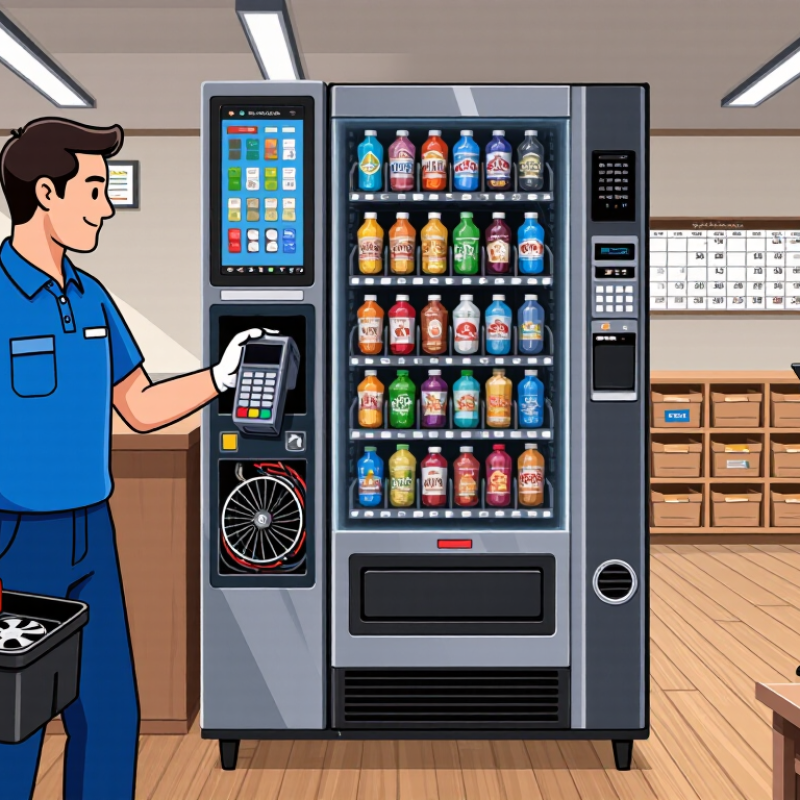
When comparing vending machine support, look beyond a promise of “fast service.” Remote monitoring can flag a cooling fault, payment error, or low-stock alert before a customer reports a problem. Ask how often the system checks machines, what alerts it sends, and who reviews them. A dashboard is useful only when someone acts on its warnings. Check whether reports show timestamps and clear fault details, not just a red status light.

Parts coverage can make a bigger difference than a small price gap. Confirm which components are included, such as control boards, motors, and refrigeration parts, and whether shipping is covered. Ask if replacement parts are kept nearby or ordered after diagnosis. One missing motor can leave a machine idle for days. Read the exclusions carefully; I’ve seen support descriptions sound broad, then narrow considerably in the fine print. That detail is easy to miss.

Technician availability matters most when a fault happens during a busy period. Compare service hours, typical response windows, and coverage for your locations. A provider may offer remote troubleshooting at night but schedule on-site visits only on weekdays. Ask what happens if the first repair does not hold. Get the answer in writing. Also, request a sample service report, so you can see whether technicians record parts used, tests performed, and remaining issues. No plan covers every delay, and it is worth asking how support handles the inconvenient cases.

10 Tips for Choosing Vending Machine Support — Compare Remote Monitoring, Parts Coverage, and Technician Availability

Tip What to Compare Questions to Ask Useful Signs of Strong Support
1. Check remote monitoring capabilities Whether the service can receive machine status, fault alerts, and sales or inventory data remotely. Which machine signals are monitored? How are alerts delivered, and who reviews them? Monitoring functions are clearly documented, alerts have named recipients, and the service explains what happens after an alert.
2. Confirm parts coverage Which components are included, excluded, or treated as consumables under the support agreement. Are parts such as motors, control boards, refrigeration components, and payment readers covered? Are there limits or deductibles? The agreement lists covered parts, exclusions, warranty conditions, and any extra charges in writing.
3. Verify technician availability Service hours, weekend or holiday coverage, geographic reach, and whether visits are handled by in-house or contracted technicians. What areas are served? When can a technician be dispatched? Is after-hours service available? Coverage areas and service hours are specified, with a clear process for urgent requests.
4. Compare response and repair targets Time to acknowledge a request, time to dispatch, and any stated goal for restoring service. Are response times targets or guarantees? How are delays or repeat visits handled? Separate timeframes are provided for acknowledgement and on-site service, along with the terms that apply.
5. Review service-call costs Monthly fees, diagnostic charges, travel costs, labor rates, emergency surcharges, and charges for uncovered work. What costs can arise beyond the base fee? Is approval required before billable repairs begin? Pricing and authorization rules are transparent, and sample repair scenarios can be explained before enrollment.
6. Ask about parts sourcing and stock Availability of commonly needed parts, sourcing process, and handling of obsolete or back-ordered components. Are common parts stocked locally? What happens if a component is unavailable? The provider can describe its parts process and explain options for delays, substitutions, or discontinued parts.
7. Check machine and payment-system compatibility Support for the machine models, control systems, telemetry equipment, and cashless payment devices at your locations. Can support be confirmed for each model and configuration? Are separate vendors involved for payment issues? Compatibility is checked against an equipment list, and responsibilities between service providers are clearly defined.
8. Evaluate troubleshooting before dispatch Availability of phone or online troubleshooting and the steps used to determine whether an on-site visit is needed. Can support staff guide basic checks safely? Are remote changes documented? Instructions are specific to the equipment, safety is prioritized, and actions taken remotely are recorded.
9. Review service records and reporting How work orders, fault history, parts used, and repair outcomes are recorded and shared. Can you access service history? What details are included after each visit? Reports identify the issue, work completed, parts used, and any recommended follow-up.
10. Read renewal, cancellation, and escalation terms Contract length, renewal notice, cancellation conditions, complaint handling, and escalation contacts. How can service problems be escalated? What notice is required to change or end coverage? Renewal and cancellation terms are easy to locate, and there is a defined route for unresolved service issues.

Score Providers on Response Times, Service Costs, and Performance Records

Tip: Ask providers to define “response time” in writing. Does the clock start when you call, submit a ticket, or reach a technician? Request separate targets for urgent failures and routine repairs. A machine full of bottled drinks may need attention sooner than one with low stock. Test the process with a practical scenario before signing. Who answers after hours?

Tip: Compare the full service cost, not just the monthly fee. Check travel charges, labor rates, diagnostic fees, and parts markups. Ask whether preventive visits are included and how extra repairs are approved. A low quote can become expensive after several callouts. Keep a sample invoice beside each proposal; the differences are easier to spot.

Tip: Review performance records for similar machines and locations. Ask for recent figures on first-visit fixes, repeat repairs, and average downtime. References can help, but ask specific questions: Was the technician prepared, and did the machine stay reliable afterward? Records are useful, not perfect. A provider may have strong averages while your remote site gets slower service. Compare the data with your operating hours, then set a simple monthly review of missed targets and recurring faults.